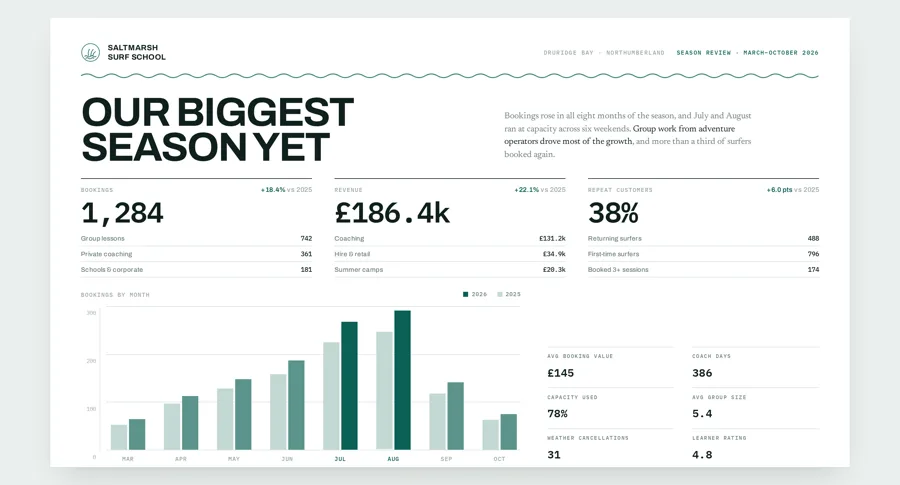
Every one of these was made in Claude and turned into a design by Hyperplane.
Claude to Figma,
in 2 simple steps.
Real frames and editable text, not a flattened picture of a design.
- 01
Paste it into Hyperplane
Copy the HTML Claude gave you and paste it onto a plane.
- 02
Copy to Figma
Right click, paste. Real frames, editable text.
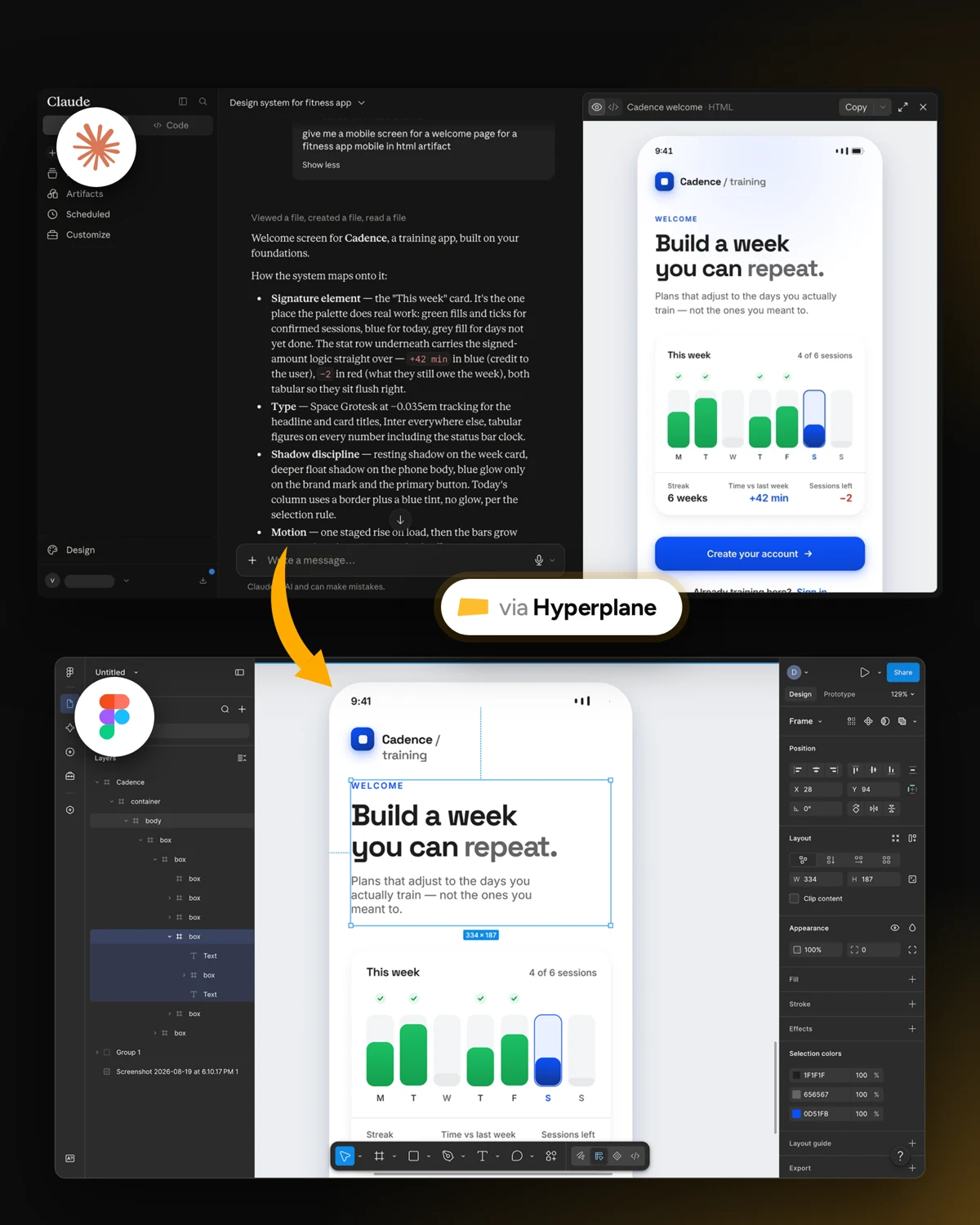
See it in action.
The whole path from a Claude HTML artifact to an editable Figma file, in real time and without a plugin.
Examples
Don't take our word for it. Open these in Figma.
Every one of these was made in Claude and turned into a design by Hyperplane.
Open in Figma
 1440
1440 768
768 390
390Landing page, multiple breakpoints
1440 · 768 · 390